Facets for iPhone

Every card you carry, in one place.

Your day job. Your side work. The one you do at night. Each one gets its own card, its own files, and one tap to hand it over.

Download Facets on the App Store

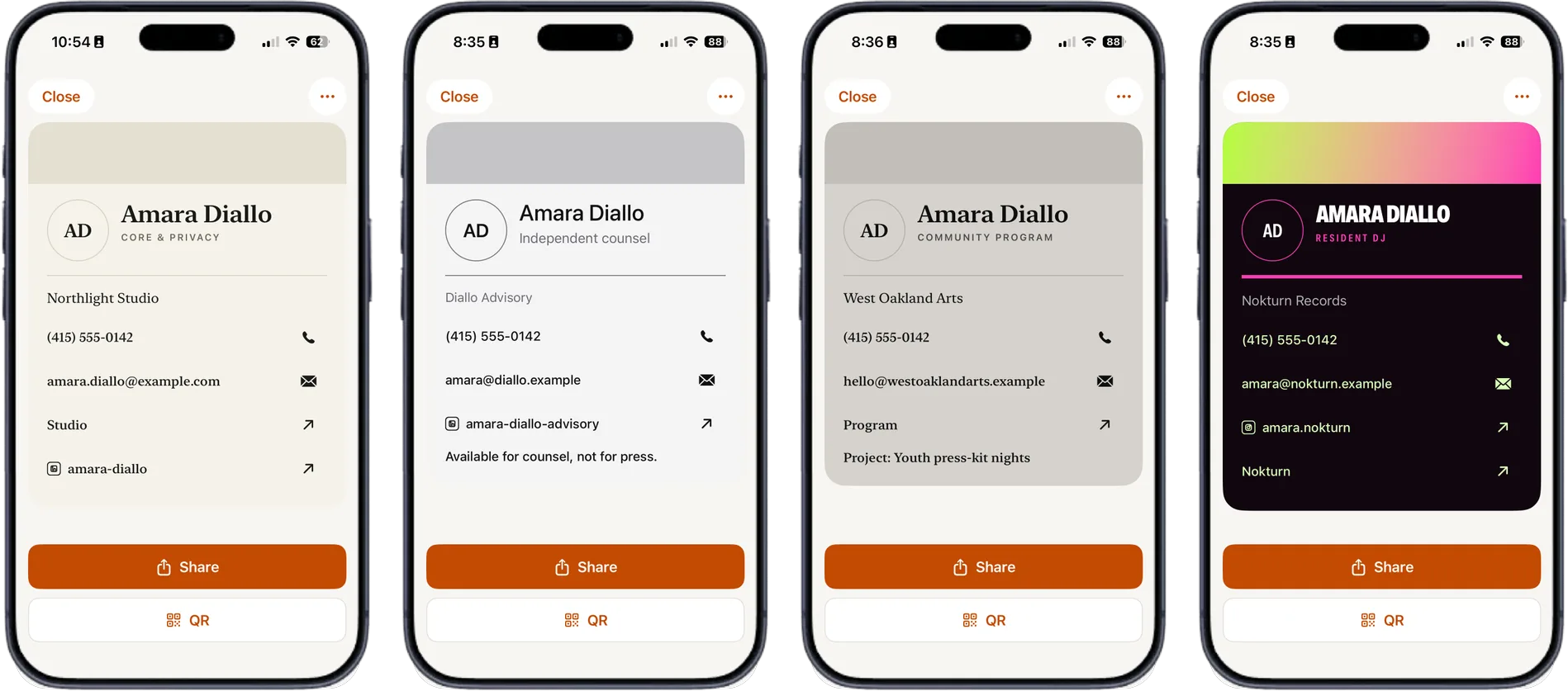
Four iPhone screens, all showing cards for the same person, Amara Diallo: a plain day-job card, a grey independent-counsel card, a warm grey community-programme card, and a black card with a neon gradient for her DJ work.

The problem, honestly.

I have a day job, and I make music, and I write books, and I build software. I also run a small booking agency, so I represent other artists too.

Every time I go to a conference or meet someone useful, the same thing happens. I want to hand over the right information, and I cannot find it. The QR code is a screenshot somewhere in twelve thousand photos. The press kit is a PDF in a folder I named badly. The link tree is fine but it is the wrong one for this person.

So I built the thing I wanted. One place for all of it, sorted by which version of me is talking.
Organize

A card for each thing you do.

Make a separate card for your day job, your freelance work, your band, your shop. Each one carries only what that audience should get. The music people do not need your work number.

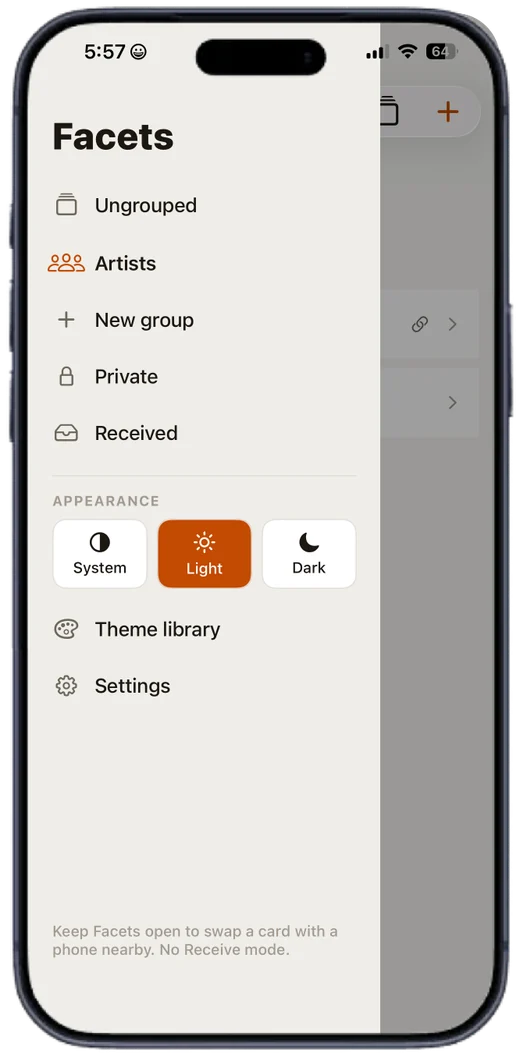
Group them however makes sense. Keep the ones nobody needs to see behind a PIN. Cards other people send you land in their own inbox.

The Facets side drawer showing Ungrouped, an Artists group, Private, and Received, with light and dark appearance options.

Attach

Bring the press kit with you.

Link files from your Files app straight onto a card. A press kit, a portfolio, a rate sheet, work samples. Facets does not copy them, so nothing goes stale. It remembers where they live and sends them along.

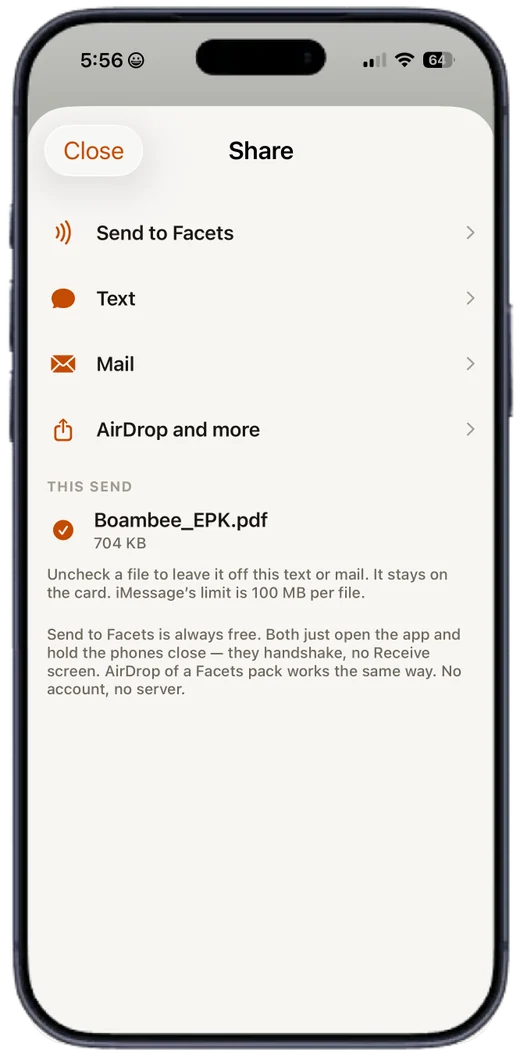
Pick which files ride along on any given send. Leave the rate sheet off the one going to a fan.

The Facets share screen with options to Send to Facets, Text, Mail, or AirDrop, and a Boambee press kit PDF checked to include.

Share

One tap, whatever they use.

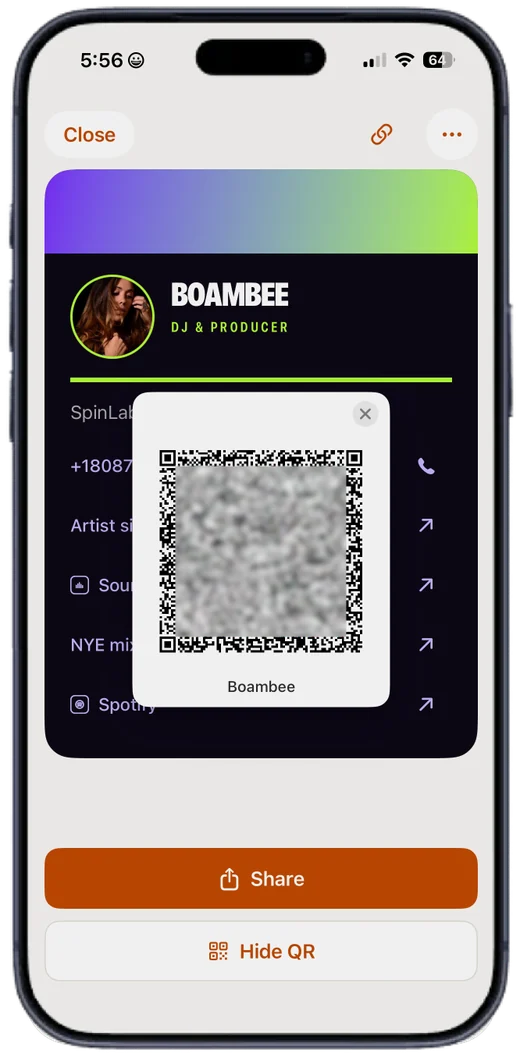
Show a QR code across a loud room. Send it as a text or an email. AirDrop it. Or hold your phone near another Facets phone and let them shake hands, with no internet in the middle.

Phone to phone is always free for both of you, and always will be. There is no account and no server anywhere in it.

A Facets card showing its QR code full size, ready to be scanned.

Represent

Carry other people's cards too.

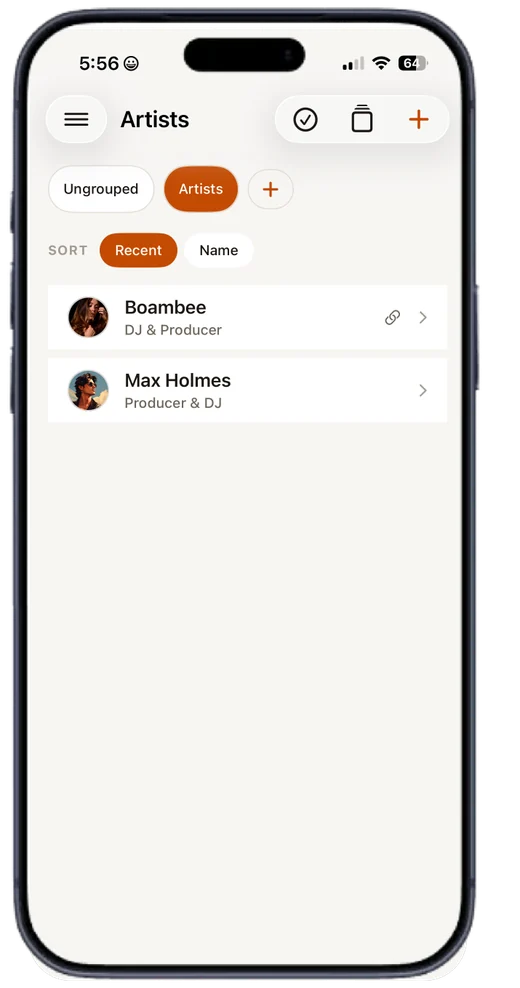
If you manage artists, book talent, or just know the right person, keep their cards in a group alongside your own. Their bio, their links, their press kit.

When somebody asks who they should talk to, you have it on you. Not "let me find their email and get back to you."

A Facets group called Artists, listing Boambee and Max Holmes with their roles, sorted by recent.

Design

Each card can look like its own thing.

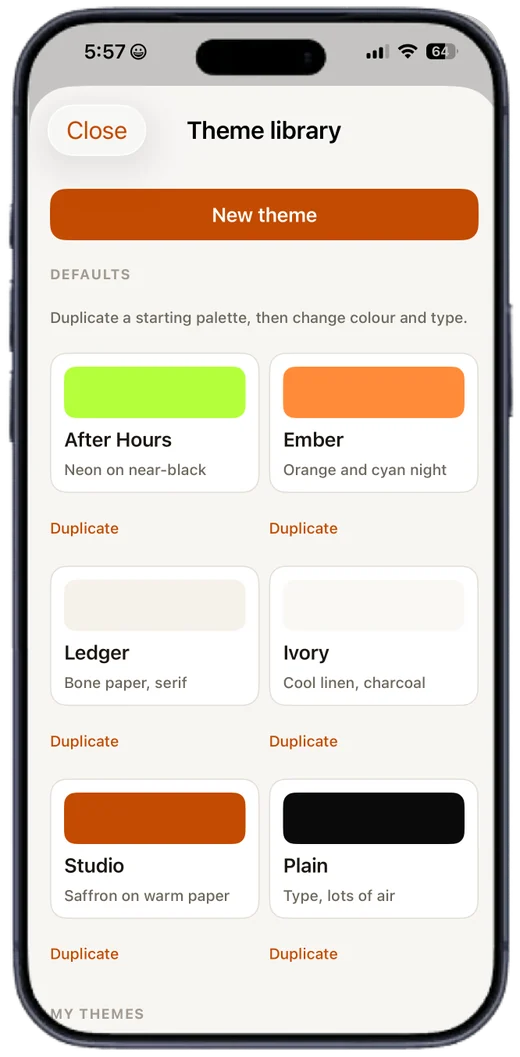
Your accounting card and your club flyer should not look like they came from the same app. Pick a look per card, or build your own with colours, fonts, and patterns.

Already have artwork? Use your own image as the whole card and put the QR wherever it fits.

The Facets theme library, showing several card designs to choose from.
Four Facets cards on iPhone: a plain grey card for Amara Diallo, a coral and black card set in a high-contrast serif for Ravi Chandrasekar, a black card with a scalloped pattern for Juno Vasquez, and a black card with a purple-to-green gradient for Theo Nakamura.

Price

One card free.

One card with one file link, and everything on that card works: every way to share, the QR code, phone to phone.

$0.99, once

That adds unlimited cards, the private PIN section, unlimited file links, groups, the theme and pattern designers, and backup to your own iCloud.

One purchase. Not a subscription. Sending a card to another Facets phone is free either way.

Download Facets on the App Store