SwiftList 2.0 · iPhone, iPad and Mac
Lists inside lists. Kept on your own devices.
SwiftList is a checklist app for people who think in steps. Put lists inside lists, check things off, and run them again next time. Your lists stay with you: no account, no tracking, and no server of ours in the middle.
Privacy first
Your lists go to your devices. Nowhere else.
We can’t see your lists, because they never reach us. They leave your device only when you choose: to sync through your own iCloud, or to share a list yourself.
Stored on your devices.
Your lists live on your iPhone, iPad or Mac. No account to make, nothing to sign in to.
Synced through your own iCloud.
With Premium, lists sync through your private iCloud database. That is your iCloud, not ours. We cannot open it.
No server of ours. No tracking.
WithyWork runs no server for SwiftList. No analytics, no ads, no tracking. Text in photos and voice memos is read on the device.
What it does
Made for plans with steps inside steps.
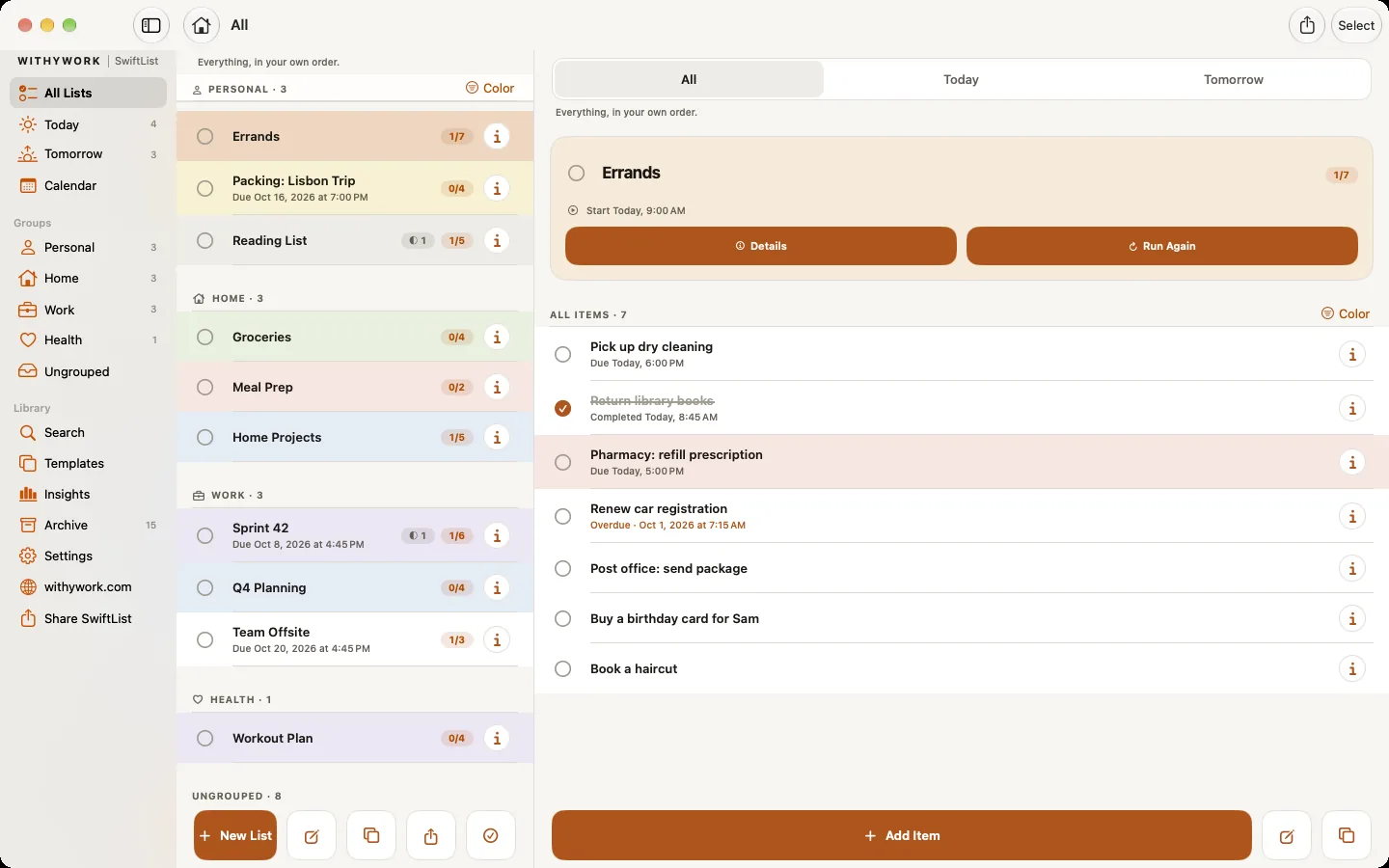
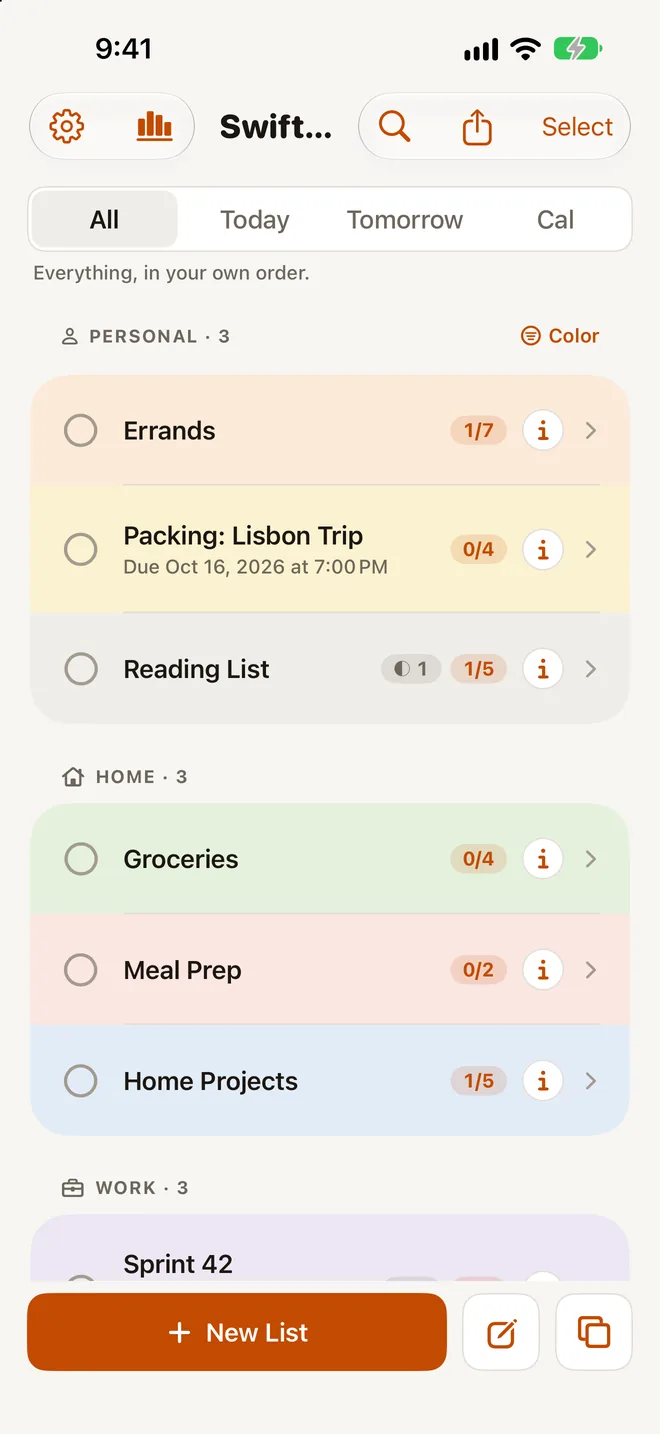
Lists inside lists
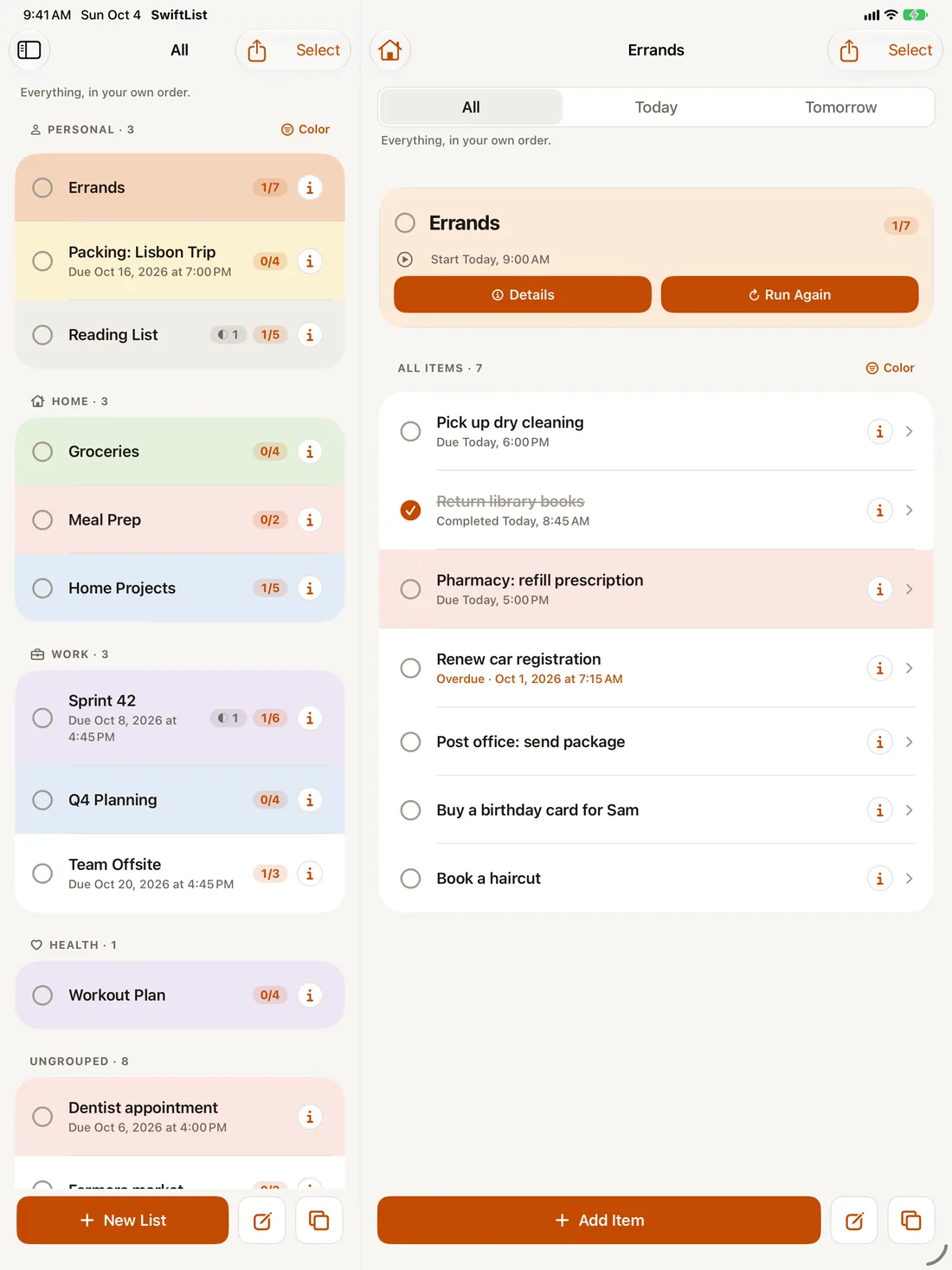
A trip, a move, a launch, a weekly reset. Nest items under items and see how much is done at every level.
Today and tomorrow
Start dates, due dates or neither. A calendar with week and month views, and alerts you can mark done or snooze.
Run it again
Six starter templates, your own templates, and Run Again to reset a finished list for next time.
From paper to list
Scan a paper list and SwiftList turns it into a checklist, indents included. Add photos and voice memos to any item.
See how your month went
Monthly Insights shows what was due, what you finished and whether it was on time. Premium.
Everywhere you add things
Widgets, Siri and Shortcuts, the share sheet, and a Control Center button on iPhone.
One purchase, three devices
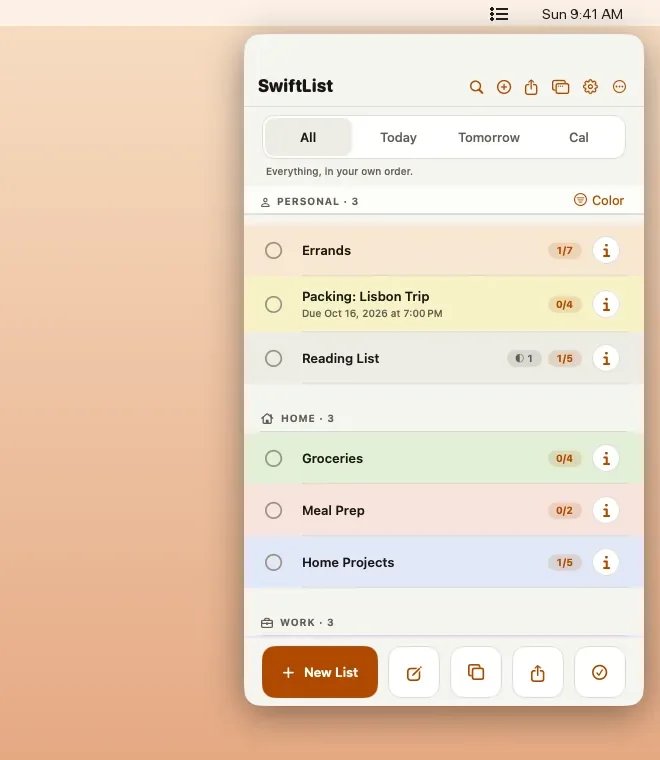
iPhone, iPad, and your Mac menu bar.
Price
Free to start. Premium when you want more.
Free
$0
- Up to 3 active lists. Archived lists don’t count.
- Unlimited items, 2 levels deep: items and their sub-items.
- Dates, alerts, the calendar, Siri and the share sheet.
- The Today widget on iPhone, and the menu bar app on Mac.
- All six starter templates and 1 of your own.
- 10 photos, 3 paper-list scans and 3 voice memos.
- On one device.
Nothing you make is ever taken away. If you have more than the free limits, everything stays visible and editable. Only adding more needs Premium.
Premium
$0.99 a month
or $9.99 a year, with a 7-day free trial for new subscribers, or $24.99 once for life.
- Unlimited lists, nesting, templates, photos, scans and voice memos.
- iCloud sync across iPhone, iPad and Mac.
- On-device transcripts for voice memos, and search inside photos and transcripts.
- Monthly Insights with PDF and CSV export.
- A widget for any list, and Lock Screen widgets.
- On Mac, the pop-out window and a global Quick Add shortcut.
- Accent themes and app icons.
One purchase covers iPhone, iPad and Mac.
Prices in US dollars; the App Store shows your local price. Subscriptions are billed by Apple and renew automatically unless cancelled at least 24 hours before the end of the period. Manage or cancel them in your Apple Account settings.

Had SwiftList before?
Welcome back.
SwiftList 2.0 is an update to the app you already have, not a new one to find. Your lists move over the first time you open it. And because you were here first, Premium is yours at no cost on the device where they move over. Thank you for waiting.
How this studio works.
It runs on your machine.
No account to make, no server holding your things, no analytics watching you use them. If an app can work without sending your data anywhere, it does.
Made for the person doing the work.
Not for a department, and not for a manager watching one. These are tools for you, which is part of why your work does not need to sit on somebody else’s server.
Made by a person.
Not a committee, not a growth team. If something is wrong you can write to a human and a human answers.