

Mac · Coming soon
Finder’s sidebar, floating.
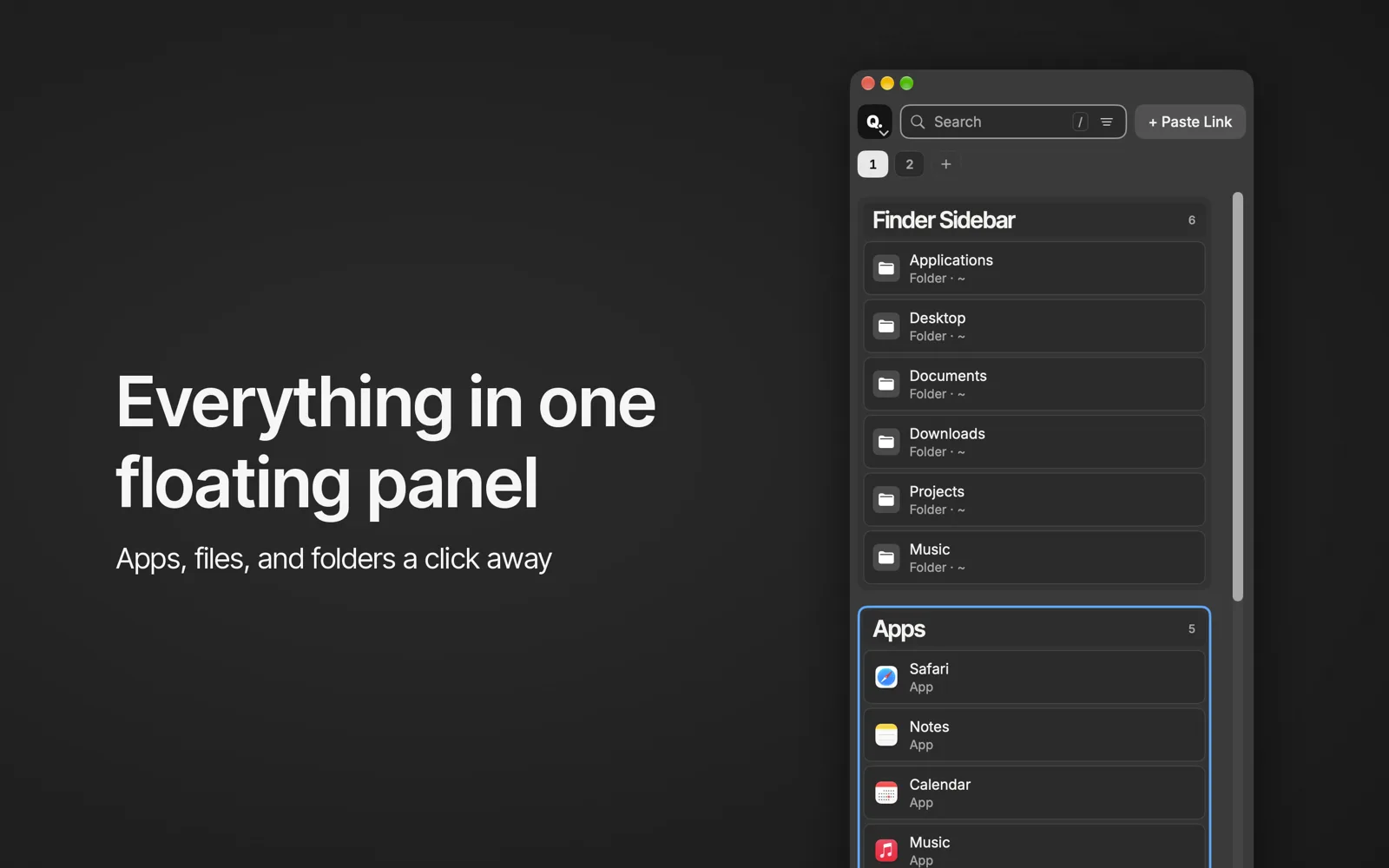
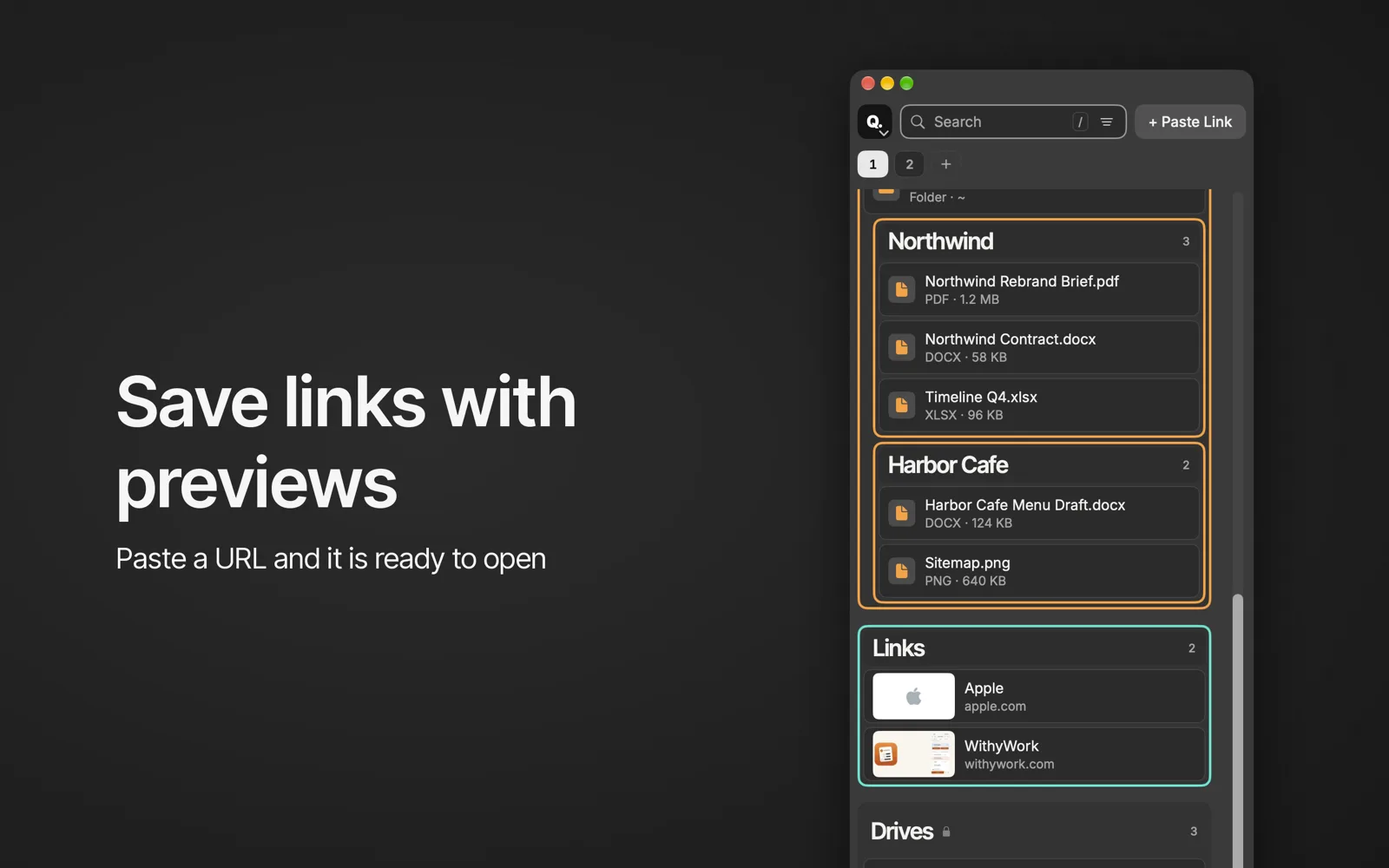
QFloat is a floating panel on every Space for the folders, files, apps and links you reach for all day. Click one and it opens in the right app.
Talk to it with your AI, too: QFloat has a built-in local MCP server for Claude, Cursor and other AI apps. How it works
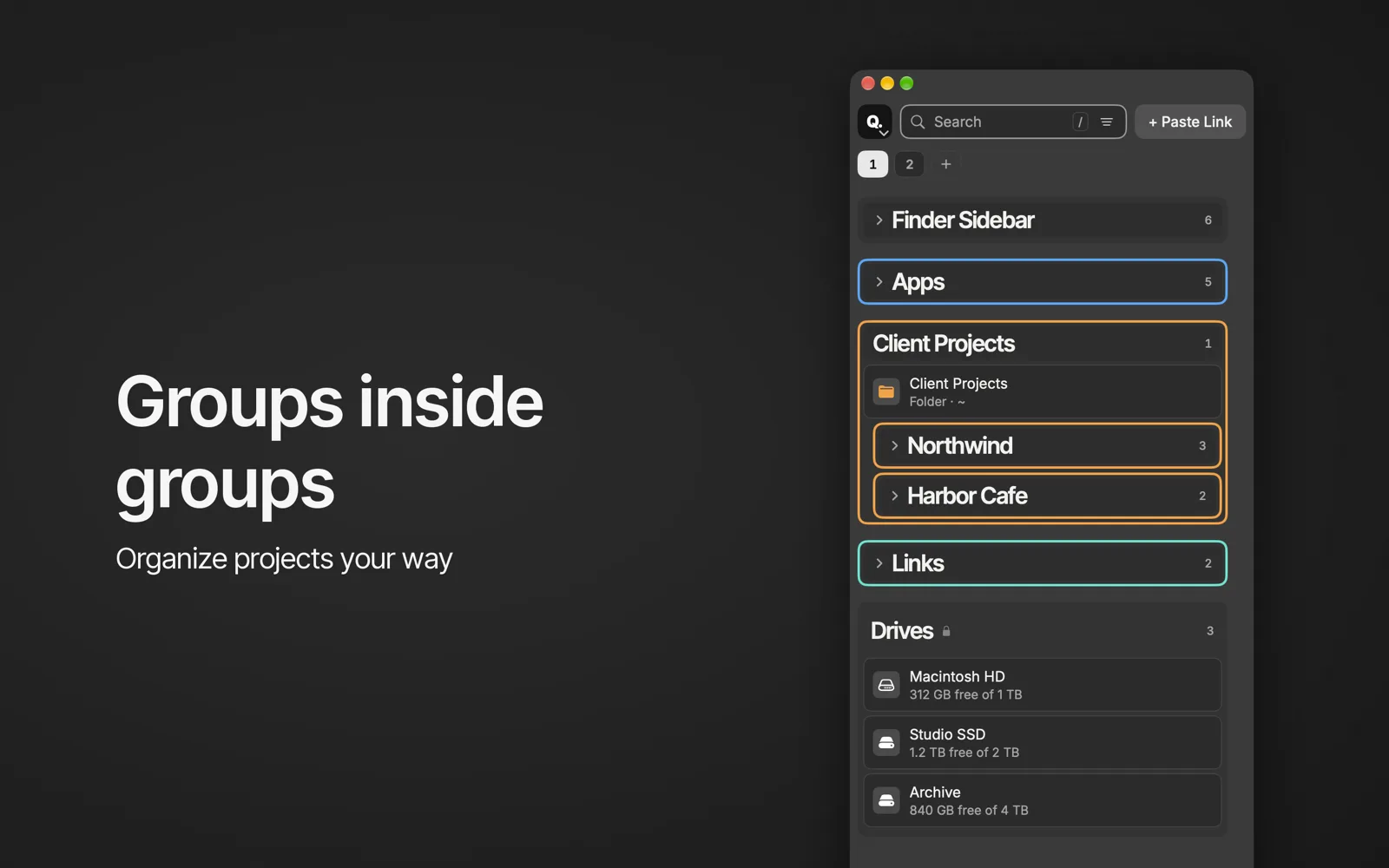
Groups, and groups inside groups
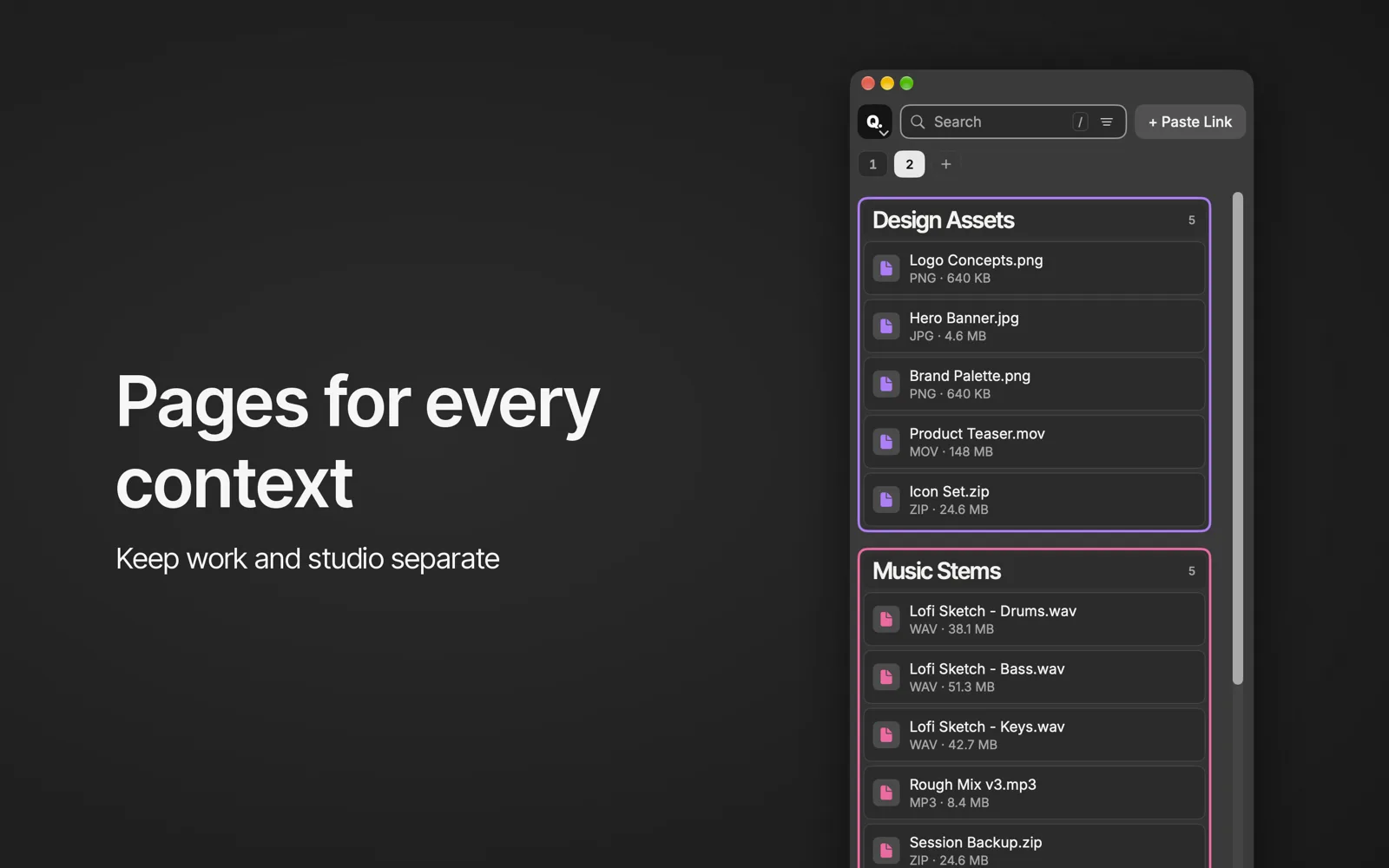
Sort your spots into groups like Work, Music and Personal, and nest groups up to four levels deep. Search, filter by kind, and sort A–Z, Z–A or your own order.
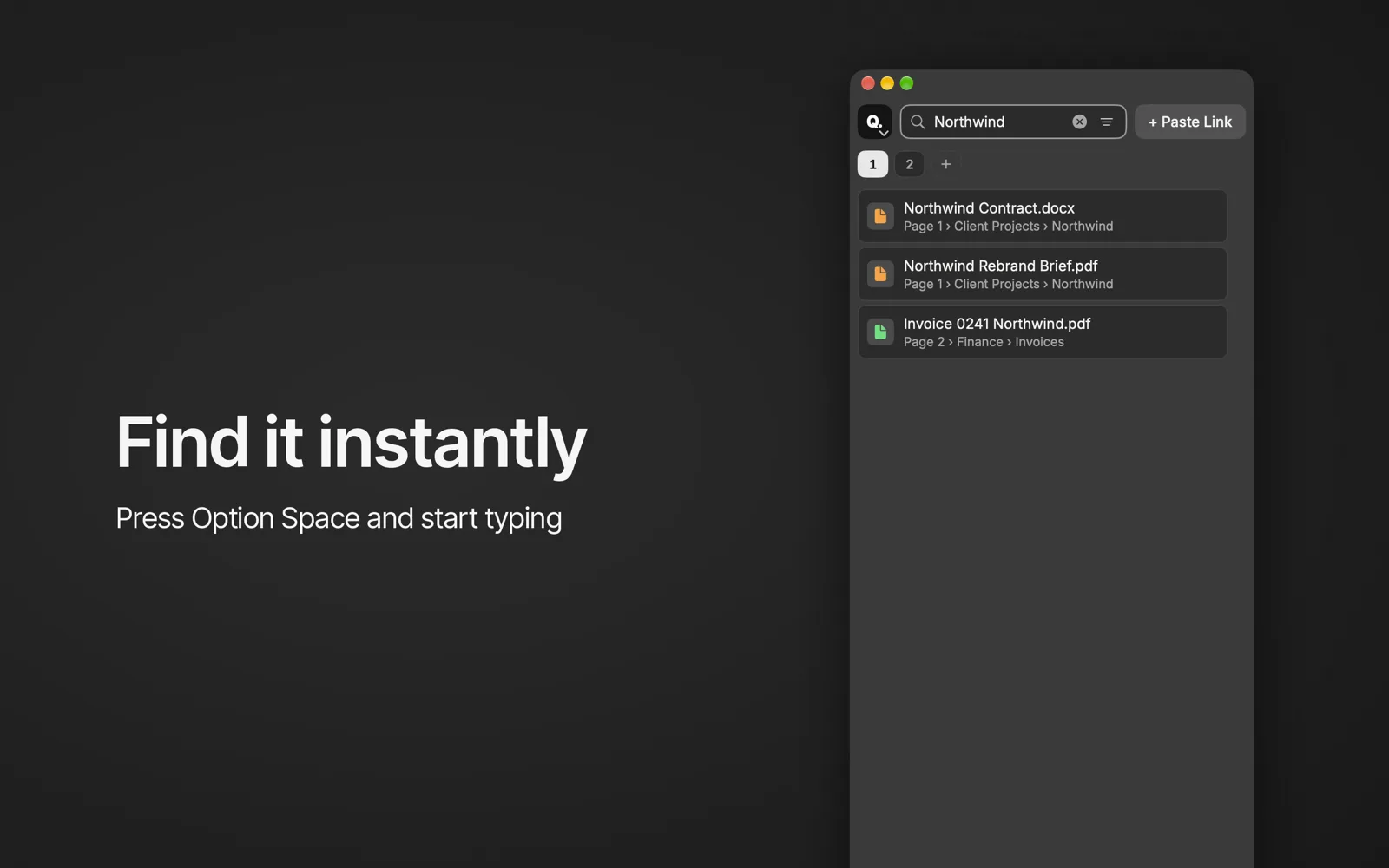
⌥Space, from anywhere
Press ⌥Space to bring up QFloat without leaving the app you’re in. Type to find, press Return to open.
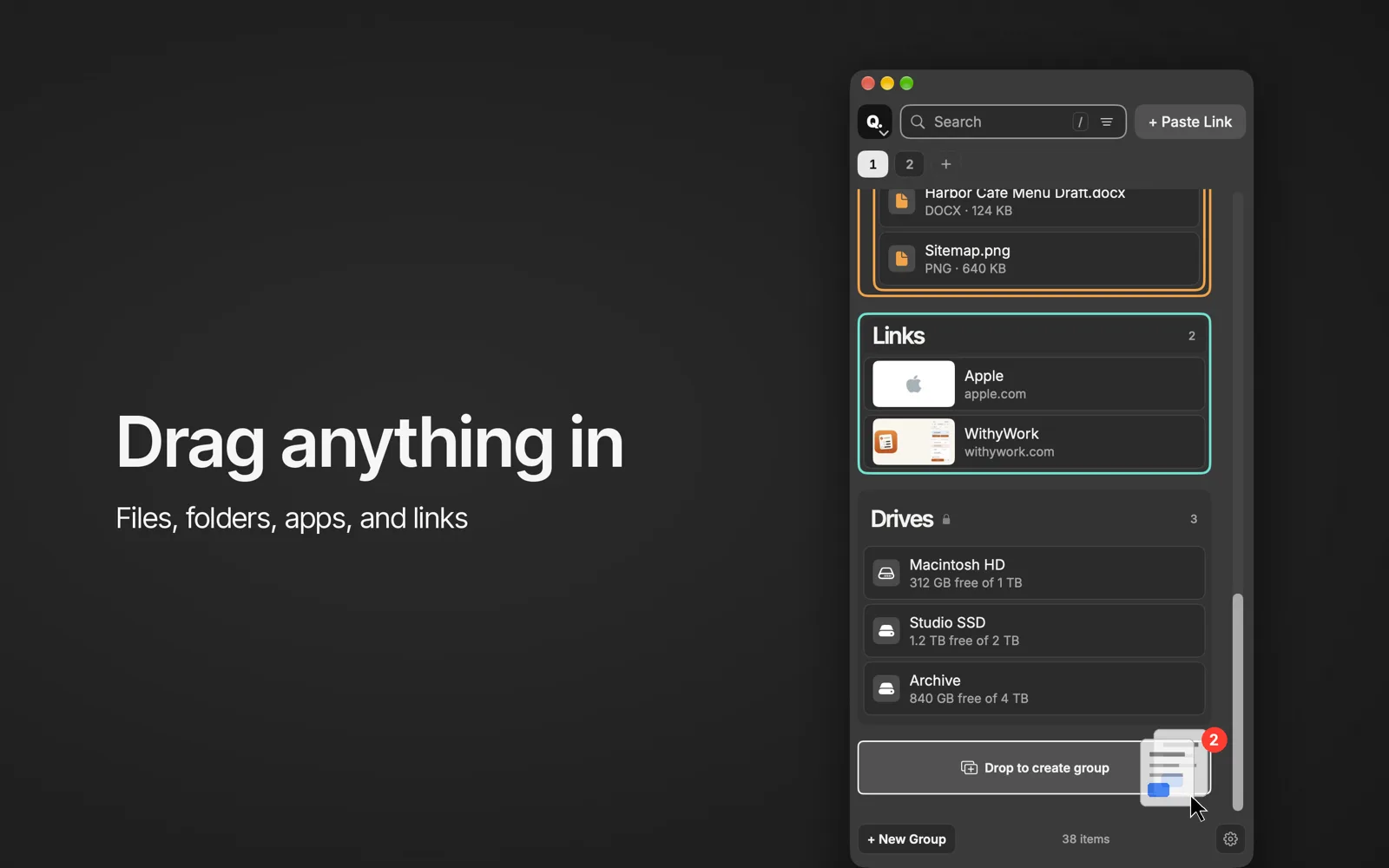
Drag anything in
Drop folders, files and apps from Finder or the Dock, and links from your browser. Folders open in Finder, files in their app, apps launch, and links open in your browser.
Things that move keep working
Rename or move a file and QFloat follows it. If something goes missing, Fix All finds what it can and tells you what it can’t.
Talk to QFloat with your AI
QFloat includes a built-in MCP server, so AI apps like Claude Desktop, Claude Code and Cursor can work with your panel. It runs on your Mac: the AI app starts QFloat as a local helper, there’s no network listener, and nothing is sent to WithyWork. It’s off until you turn it on in Settings, and you choose whether the AI can only look, make changes, or delete.
Ask your AI to:
- Find anything across your pages and groups, and open it.
- Add links, files, folders and apps, or turn a folder into a group.
- Rename, move, sort, collapse and color groups and items.
- Create and rename pages and move groups between them.
- Check your drives and free space.
- Tidy up by removing items, groups or pages, only if you allow deleting. Your files on disk are never touched.
More to see
Pricing
Free
$0
- The floating panel and the ⌥Space hotkey.
- Folders, files, apps and links.
- Up to 3 groups, 25 items and 1 page.
- The local MCP server for AI apps.
- Backups to your iCloud Drive.
Premium
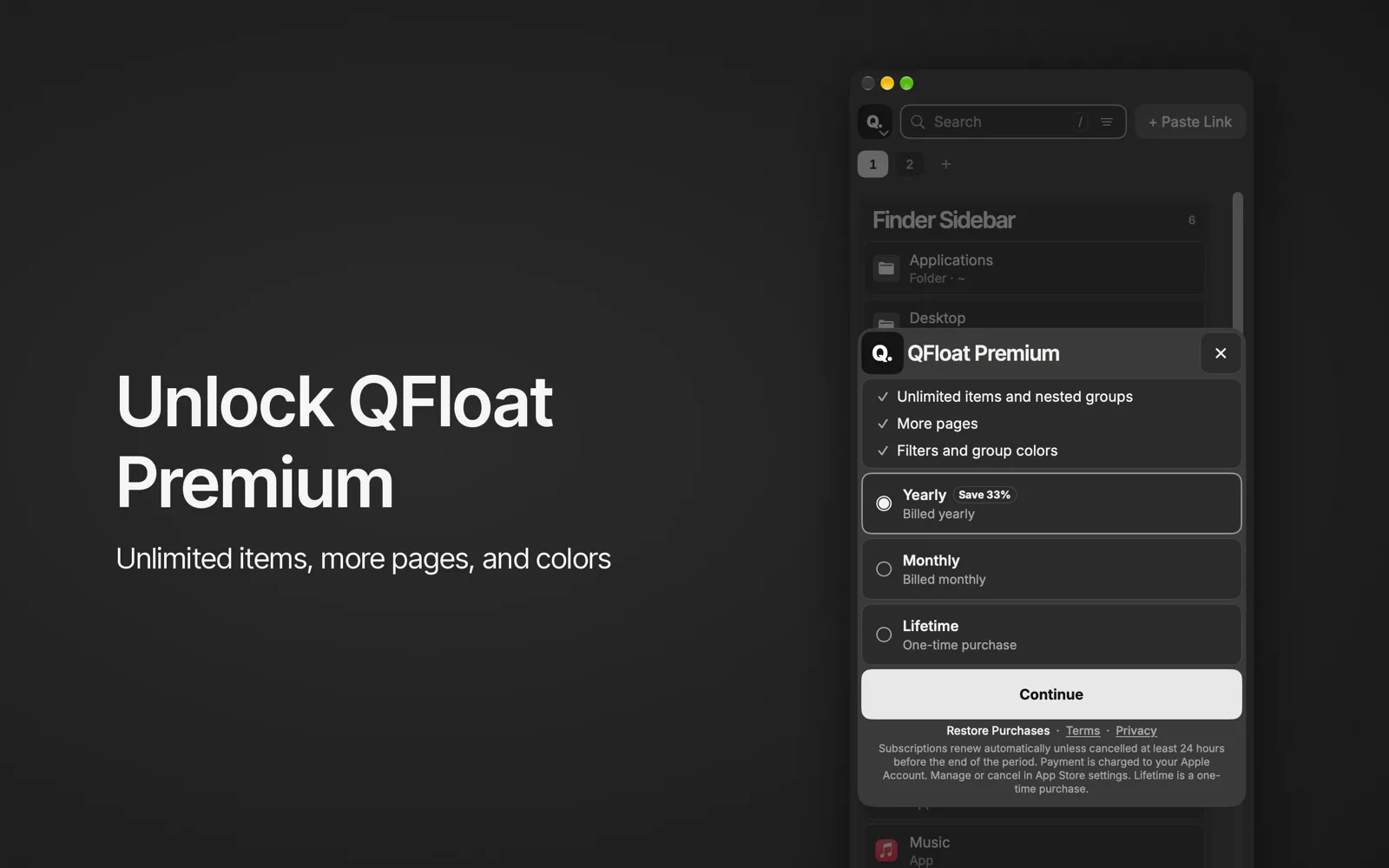
$0.99 a month
or $7.99 a year (Save 33%), or $19.99 once for life.
- Unlimited items and groups.
- Nested groups, up to four levels.
- More pages.
- Filters and colors.
Prices in US dollars; the App Store shows your local price. Subscriptions are billed by Apple and renew automatically unless cancelled at least 24 hours before the end of the period.
Questions
Does QFloat replace Finder?
No. It sits beside Finder. Click a folder in QFloat and it opens in Finder.
Which Macs does it run on?
QFloat is a Mac app. System requirements will be listed at launch.
Does QFloat send my files anywhere?
No. QFloat keeps your list on your Mac and backs it up to your own iCloud Drive. Its MCP server is local too.