QFloat Manual · 2 of 11
Adding Things
On this page
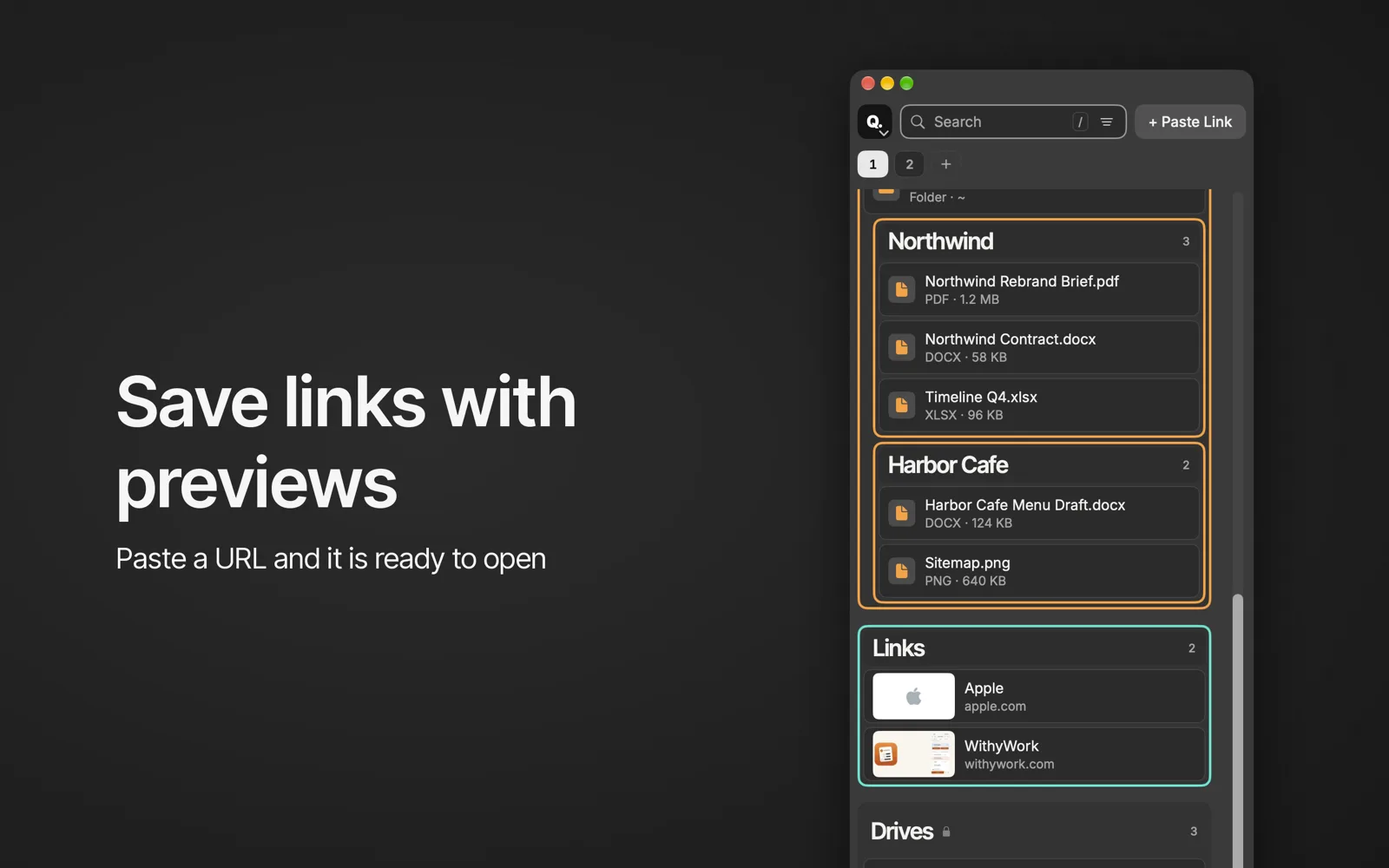
Add web links, files, folders and apps to QFloat: Paste Link, Add Files, Import Finder Sidebar, drag and drop, clipboard suggestions and the item menu.
The + Paste Link menu #
- Paste Link (⌘V) adds a web link you copied.
- Add Files, Folders or Apps… (⌘O).
- Import Finder Sidebar… adds your Finder favorites.
- New Group (⇧⌘N).
Drag things in #
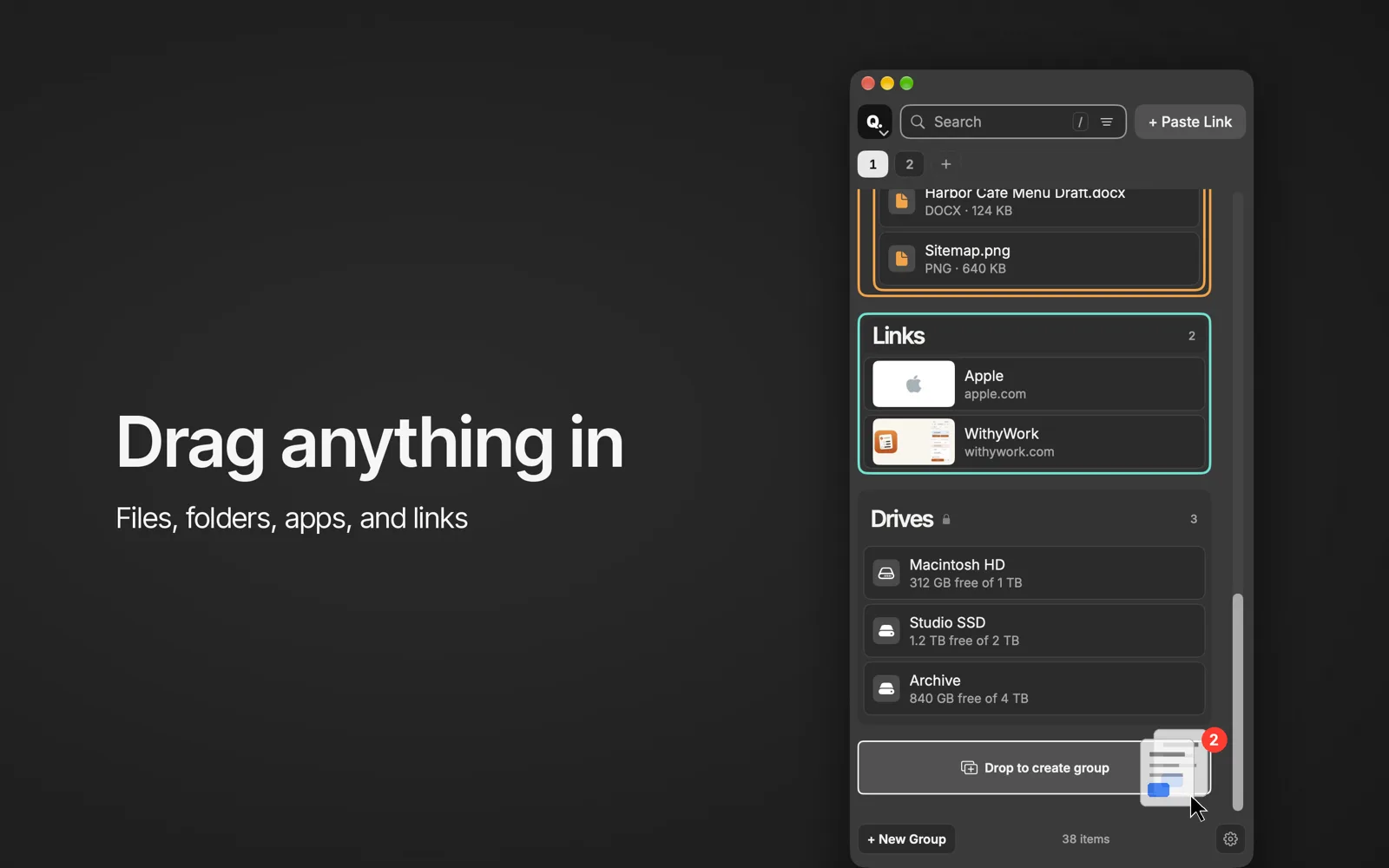
Drag folders, files and apps from Finder into a group. With Suggest clipboard links on, QFloat offers a link you just copied.
The item menu #
Right-click an item for Open, Show in Finder, Open in Terminal, Info, Share…, Rename…, Color and Remove. Removing an item never touches the file on disk.