QFloat Manual · 5 of 12
Pages
On this page
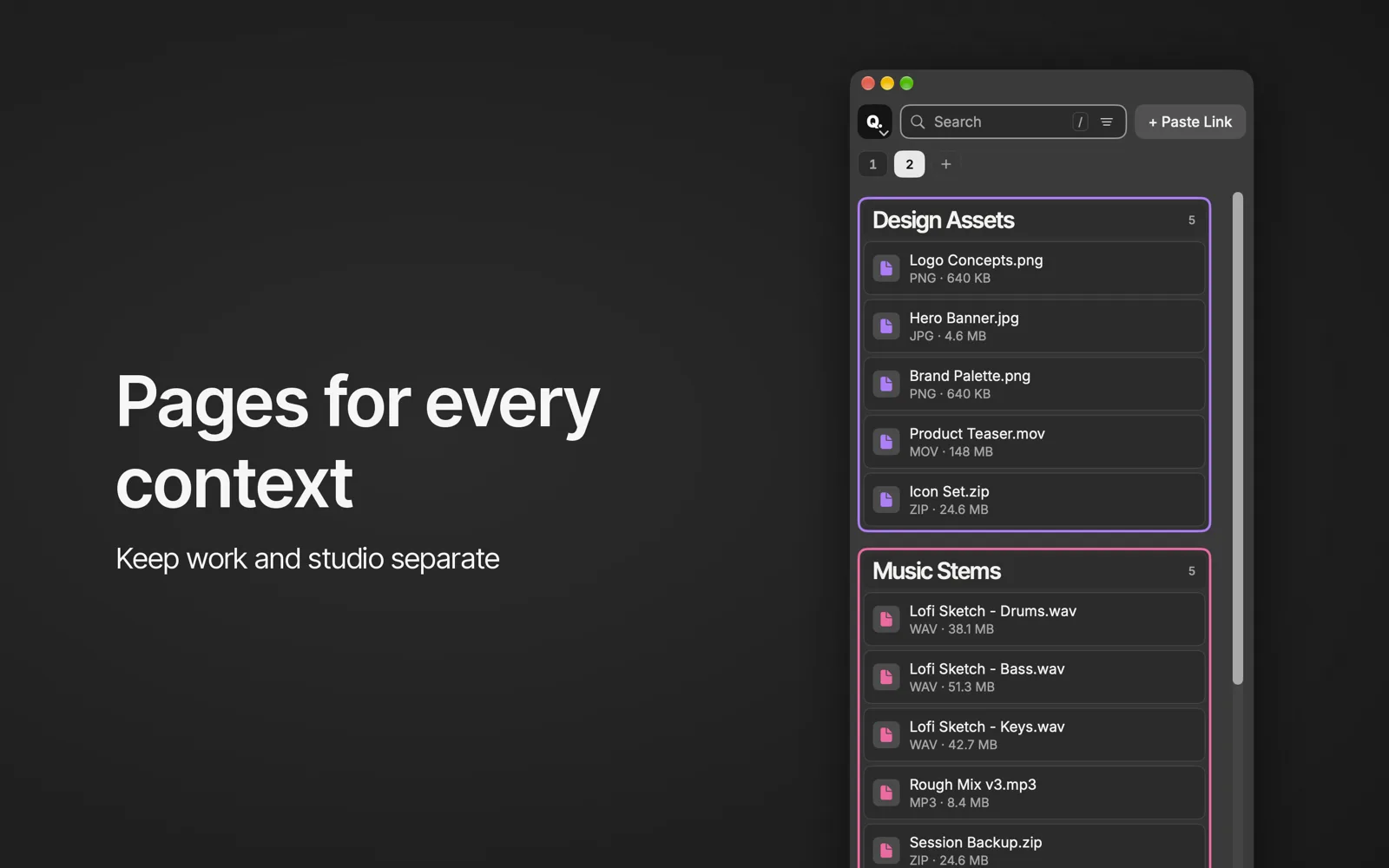
Use QFloat pages to keep work, studio and personal spots apart: switching with ⌘1–9, the page tab menu, and which parts are Premium.
Switching pages #
⌘1–9 switches pages. ⌘← / ⌘→ steps through them.
The page tab menu #
Rename…, Color, Duplicate Page, Move Left / Move Right and Delete Page…. Deleting a page can be undone with ⌘Z.
Premium #
More pages and Duplicate Page are Premium features, unlocked during the 7-day trial.