QFloat Manual · 6 of 11
Search
On this page
Find anything in QFloat with ⌘F, narrow results with scope tokens for folders, drives, apps, files and links, and optionally search your whole Mac.
Searching #
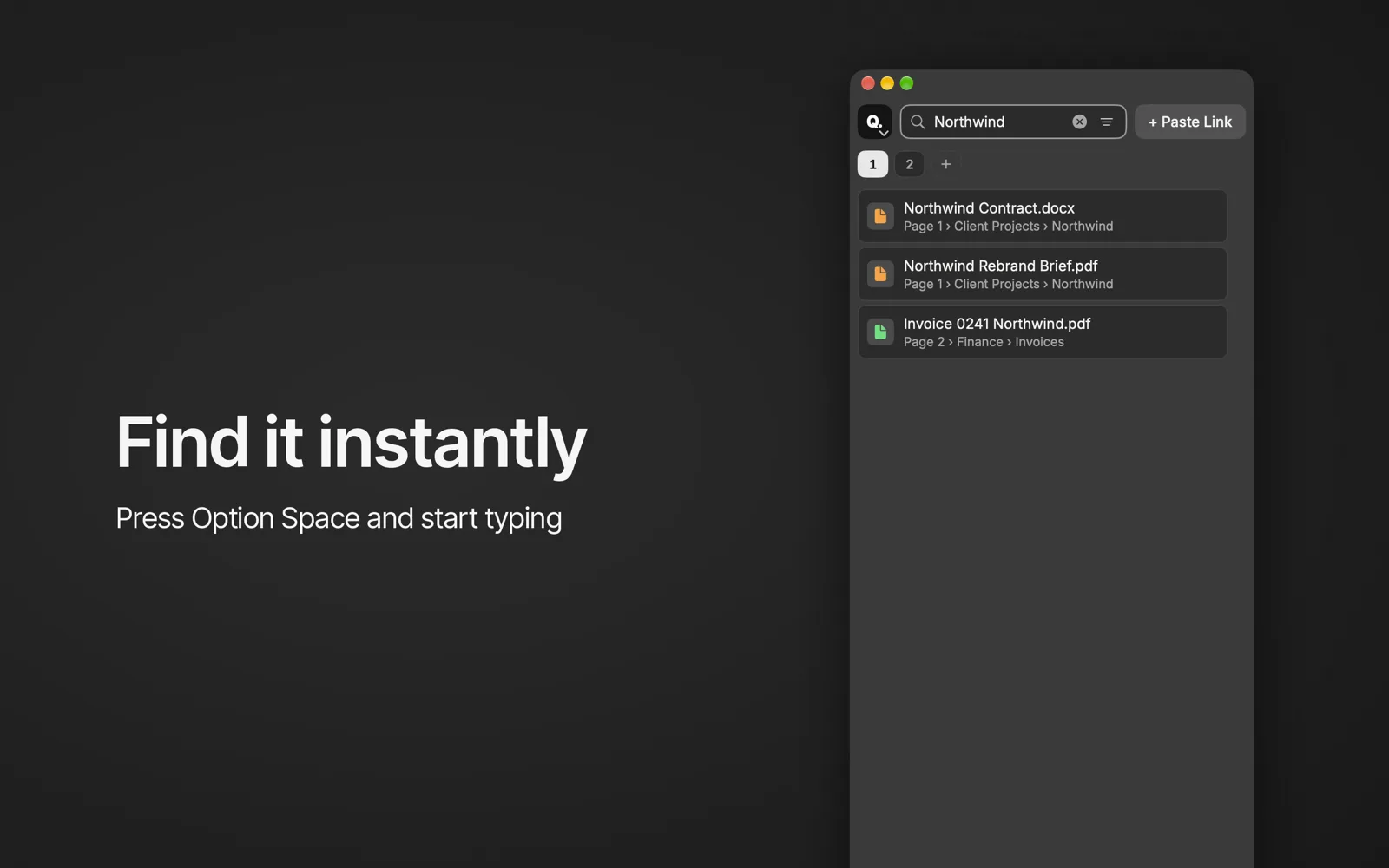
Press ⌘F and type. Results show each item’s page and group.
Scope tokens #
Start your search with a token to narrow it:
| Token | Finds |
|---|---|
/f | Folders |
/v | Drives |
/a | Apps |
/d | Files |
/l | Links |
Search my Mac #
With Search my Mac when typing on (Settings › General), results also include files from your Mac.