QFloat Manual · 7 of 11
Display and Settings
On this page
QFloat settings for appearance, text size, rows, the Drives group, link previews, clipboard suggestions, the panel edge, width and Spaces.
Settings › General #
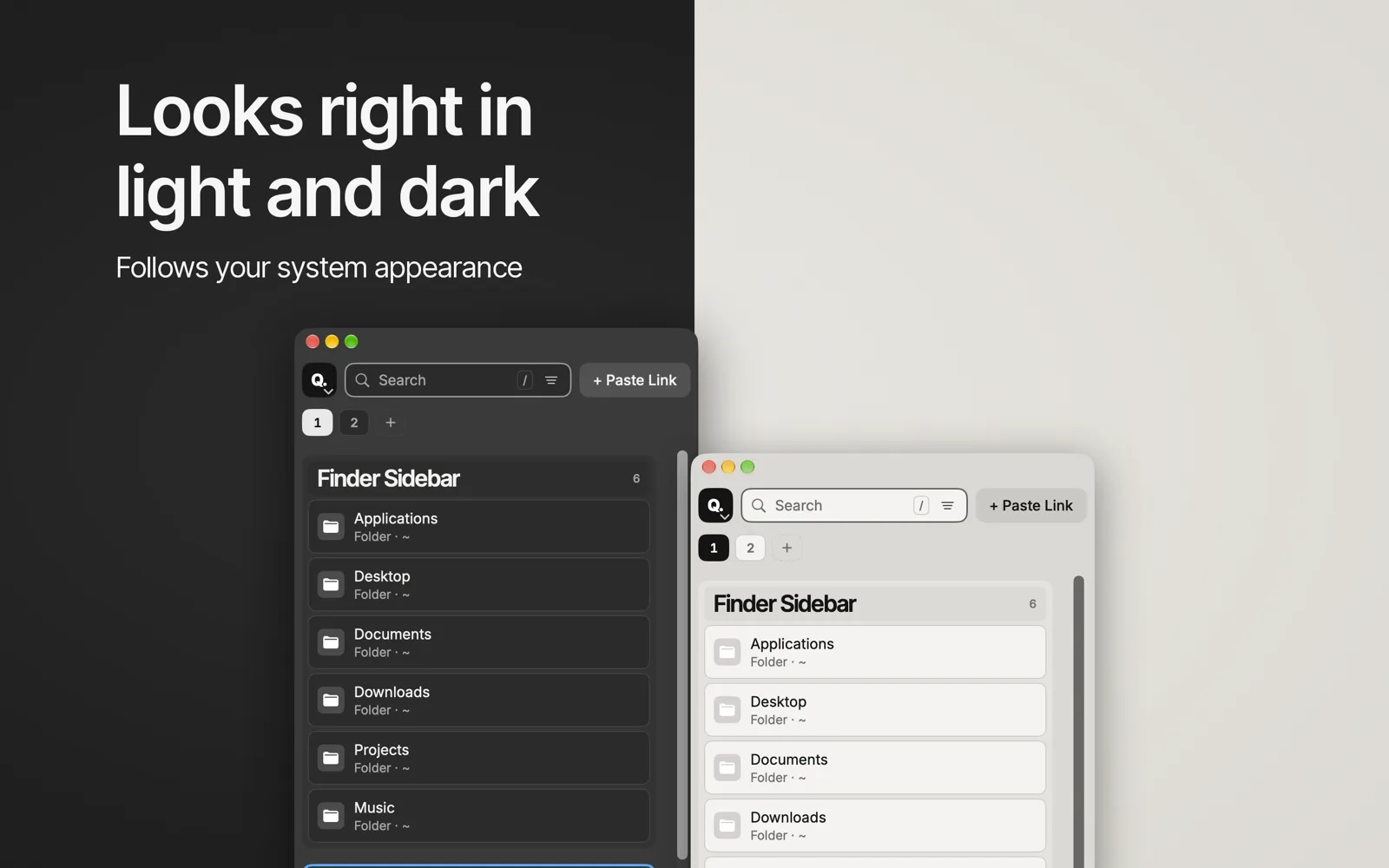
Appearance (Dark, Light or Match System), Text size (also ⌘+ / ⌘− / ⌘=), Rows, Show Drives group, Fetch link previews, Suggest clipboard links, Search my Mac when typing, and which Terminal app to use.
Settings › Panel #
Edge (Left or Right), Width and Spaces.